Beyond Style: Crafting Evolving Design Systems
Many developers and startup founders view design systems as mere collections of color palettes and typography settings. Yet, these systems are far more vital, serving as the backbone for maintaining consistent UX and adapting to product evolution. Here, we delve into how design systems do more than govern aesthetics—they grow and evolve with your mobile app projects, especially when augmented by AI capabilities like those offered by Dolfy.ai.
Key Takeaways:
- Design systems are dynamic frameworks, not just static style sheets.
- AI tools like Dolfy can help automate and refine these systems over time.
- Understanding and implementing a living design system can significantly enhance the scalability and consistency of your app.
What Makes a Design System 'Living'?
A 'living' design system is one that is actively maintained and evolved, not just set up once and left unchanged. Using Dolfy.ai, developers can ensure their design systems are always up-to-date with the latest design trends and user feedback, adapting as the product scales and transforms.
How Can AI Tools Enhance a Design System?
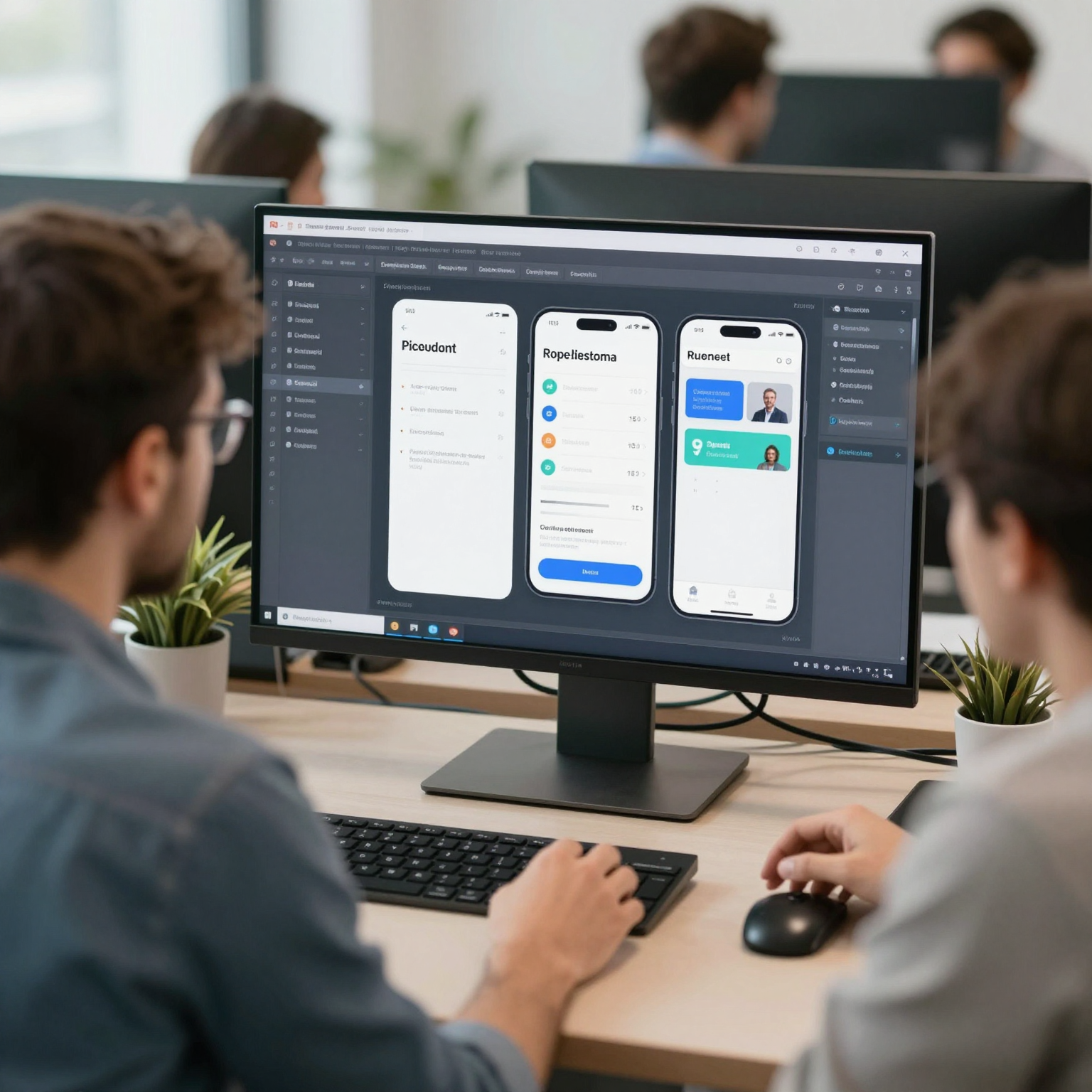
AI tools like Dolfy are changing the game in design system management by automating updates and integrating user feedback directly into the system. This means that what used to take days of manual work can now be accomplished in minutes, ensuring that your app's UI and UX are consistently improving.
Is There More to Design Systems Than Just Aesthetics?
Yes, beyond aesthetics, design systems entail decision guidelines, accessible patterns, and scalable components that are essential for cohesive product development. Dolfy's platform aids in defining and implementing these aspects dynamically, thereby maintaining design integrity and user experience consistency as your app evolves.
Here's a closer practical guide on building and maintaining an evolving design system with Dolfy:
- Define the core elements of your design system: colors, typography, and UI components.
- Use Dolfy to automatically translate these definitions into ready-to-use code.
- Continuously roll out updates and improvements based on analytics and user feedback.
- Encourage team input to adapt and expand the design system effectively.
Frequently Asked Questions
How often should a design system be updated?
To keep up with both technical advancements and user expectations, a good practice is to review and potentially update your design system quarterly.
Can small teams effectively maintain a living design system?
Absolutely. Platforms like Dolfy make it feasible for even individual developers or small teams to manage a comprehensive design system by simplifying and streamlining the process.
Are design systems only necessary for large apps?
Even for smaller apps, a well-defined design system can save time and ensure a better user experience. It lays a strong foundation for future scalability.
Crafting and maintaining a dynamic design system is foundational to modern mobile app development, promoting consistency and adaptability. Explore how Dolfy.ai can empower your design journey by visiting our website today.