
The Deep Link Problem: Why Your App's Push Notification Opens to a Blank Screen
Your app sends a push notification: "Sarah commented on your post." The user taps it, expecting to land inside that comment thread — except they don't. Instead they see your app's home screen for a beat, or a white flash, or nothing at all until they tap the notification a second time. By then they've forgotten what Sarah said, but they've learned something they'll remember longer: your app's notifications don't work. Dolfy.ai sees this exact failure surface in almost every mobile app teardown session, and it has a name — the deep link problem — and it's one of the most common gaps between an app that looks finished in a demo and an app that behaves like a trustworthy product in the real world.
Key Takeaways
- A deep link is just a URL-like address (
dolfyapp://post/482) meant to open one specific screen instead of the home screen — but most failures happen because the app tries to render that screen before it has the data the screen needs. - Cold start (opening a link when the app isn't running) and warm start (opening one while the app is already open in the background) are two different code paths, and many teams only build and test one of them.
- The fix isn't "add a spinner" — every deep-linkable screen needs three planned states (loading, ready, missing/error) before any navigation code gets written.
- Universal Links on iOS and App Links on Android — the
https://style deep links that open your app directly instead of a browser — both require a small verification file hosted on your own domain, a five-minute setup step teams routinely skip until launch week, when it becomes a two-day scramble. - Dolfy's Design OS treats navigation and data state as part of the design phase itself, so the "what if the data isn't there yet" screen gets designed before a single screen gets built.
What Exactly Is a Deep Link, and Why Does It Break?
A deep link is an address, similar to a web URL, that tells a mobile app to open a specific screen — a product page, a chat thread, a comment — rather than dropping the user on the home screen and making them tap their way there manually. The problem is almost never the link itself; it's the assumption baked into it. When a notification says "open post 482," the app's navigation stack (the ordered list of screens a user can move backward through) jumps straight to a "Post Detail" screen and asks it to render post 482 immediately. If that post hasn't been fetched from your server yet, the screen either shows nothing, shows stale placeholder text, or throws an error that crashes the whole session. The link worked exactly as designed — the screen just wasn't designed to handle arriving with no data in hand.
Why Does the Same Deep Link Work Sometimes and Fail Other Times?
This is the part that makes the bug so hard to reproduce in testing: it depends entirely on whether the app was already running. A "cold start" deep link fires when the app is completely closed — the operating system has to launch the app from scratch, initialize the user's session, restore any saved app state, and only then hand off the link, which can take a second or two on an older phone. A "warm start" deep link fires when the app is already open in the background, so the app is already initialized and just needs to navigate. Teams frequently build and test only the warm-start path, because that's what happens every time a developer taps a test notification while the app is open on their desk. Then a real user, days later, taps the same notification from a fully closed app, and the cold-start path — the one nobody exercised — fails silently.
How Should a Deep-Linked Screen Handle Missing Data?
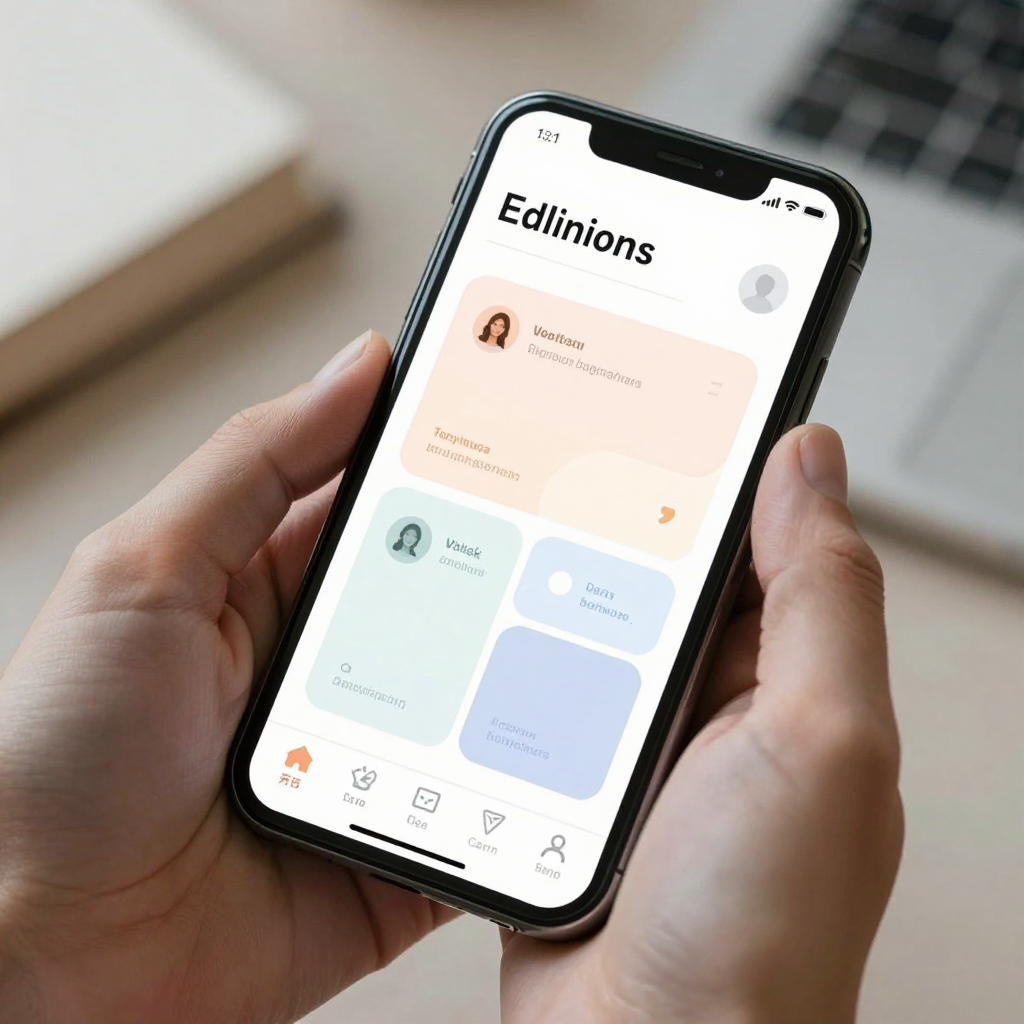
Every screen that can be opened via a deep link needs three explicitly designed states, not one. The "loading" state shows a skeleton or spinner while the specific post, order, or chat thread is being fetched — not the whole app's loading screen, just that one screen's. The "ready" state is the normal screen once the data has arrived. The "missing/error" state covers the case where post 482 was deleted, the user was removed from that chat, or the network request timed out — and it needs its own message and a clear way back, not a blank canvas. Most deep-link bugs are really just a missing third state: the screen was designed assuming data would always be there the instant it rendered, and nobody drew what happens in the other two cases.
What Does Dolfy's Design OS Do Differently for Navigation?
Dolfy.ai's Design OS methodology runs through five steps — Product Definition, Data Model, Design Foundation, Screen Design, and Export — and the Data Model step is exactly where this problem gets caught before it ships. Because Dolfy asks you to define your app's actual data model (the structured shape of your posts, users, orders, or messages) before Screen Design, every screen that reads from that model gets built with loading and empty states as first-class parts of its layout, not styling exceptions added later. The Design Foundation step also locks in a design-token system — a shared set of colors, spacing, and type styles used consistently across every screen — so a hastily-added error message doesn't end up looking like a different app than the one around it. When you export, Dolfy produces production-ready React Native and Tailwind CSS components with TypeScript types, so the loading/ready/missing states you designed are already scaffolded in code, previewable instantly in Expo Go or Expo Web Preview, rather than left as a note for whoever builds the screen six weeks from now.

What's the Setup Cost of Doing Deep Links Right?
Less than most teams assume, if it's planned instead of retrofitted. Configuring Universal Links on iOS and App Links on Android both come down to hosting one small verification file (an apple-app-site-association file for iOS, a assetlinks.json file for Android) on your domain — genuinely a five-minute task when done during initial setup, versus a multi-day scramble when it's discovered during a launch-week App Store review rejection. On the code side, tools like Expo Router or React Navigation's deep-linking config typically need somewhere between 20 and 60 lines of route-mapping code for a small app, plus the loading/missing states per screen described above — those states are the real cost, usually a few hours per screen rather than minutes, which is precisely why designing them upfront in a tool like Dolfy is cheaper than discovering the gap in a support ticket after launch. A wireframe (a low-detail sketch of a screen's layout, used before visual design) that includes an empty state costs almost nothing extra to draw; a missing empty state discovered in production costs a support thread, a one-star review, and an emergency patch release.
Frequently Asked Questions
Do I need deep links if my app doesn't send push notifications yet?
Yes, if you plan to add push notifications, share links, or email campaigns later, because deep links also power "Open in App" buttons from your marketing site, QR codes, and shared links — not just notifications. Designing the loading/missing states now costs far less than retrofitting them after your first notification campaign goes out.
What's the difference between a deep link and a universal link?
A basic deep link uses a custom address scheme like dolfyapp://post/482, which only works if the app is already installed and the operating system recognizes that scheme. A universal link (iOS) or app link (Android) uses a normal https:// web address that opens your app directly if it's installed, and falls back to a web page or App Store listing if it isn't — which is why most production apps use universal/app links instead of custom schemes.
Can Dolfy generate the deep link handling code, or just the screens?
Dolfy's Export step outputs the React Native and TypeScript screen components, complete with the loading, ready, and missing states you designed in Screen Design, along with your design tokens applied consistently. Wiring those exported screens to your specific routing library (Expo Router or React Navigation) and hosting your verification files is a development step outside of Dolfy's design scope, but the screens themselves arrive ready for that wiring instead of needing to be redesigned mid-build.
How long does it take to retrofit deep linking into an existing app?
For a small app with under a dozen screens, teams typically spend three to five days adding proper loading and missing states to existing screens, plus the domain verification setup — most of that time goes to screens that were never designed to handle arriving with no data, not to the linking configuration itself.
Design the Screen Before You Design the Notification
The deep link problem isn't really about links at all — it's about which screens in your app were designed assuming a slow, predictable, top-to-bottom user journey, and which ones need to survive being the very first thing a user sees, mid-load, with the data not yet in hand. Every screen a notification, a shared link, or a QR code can point to deserves its own loading state and its own honest "this isn't here anymore" state, planned at design time rather than patched in after a support ticket. That's the habit Dolfy's Design OS builds in from the Data Model step onward, so the screens your team exports are ready for the messy, out-of-order way people actually open apps. Start mapping your own app's data model and screens at Dolfy before your next notification campaign finds the gap for you.