
The Handoff Gap: Why Your Design System Breaks the Moment It Becomes Code
Your Figma file looks perfect. Every card is aligned, every color is named, every button has the right corner radius. Then it goes to a developer — maybe a contractor, maybe just you at 11pm switching from designer-brain to engineer-brain — and three weeks later the shipped screen has slightly-too-square buttons, a blue that's close but not quite "primary," and spacing that drifts by 2-4 pixels every time you look closely. Nothing was misread. The design simply didn't survive the trip from picture to product. This is the handoff gap, and it's the single most common way indie teams lose weeks they don't have. Dolfy.ai was built specifically to close it — not by making prettier mockups, but by making the mockup and the code the same artifact from the start.
Key Takeaways
- The handoff gap isn't a communication failure — it's a format failure: a picture of a button and a working button are fundamentally different objects, and most tools never bridge that gap.
- Design tokens (named values like
color.primaryorspacing.md) are the single highest-leverage fix, because they turn "roughly this blue" into one source of truth referenced everywhere. - A production-ready component export should include real React Native/Tailwind markup, TypeScript types, and the token references — not just an image of the component.
- Teams that skip a data model step before screen design tend to redesign 30-40% of their screens once real data shapes show up.
- Dolfy's 5-step Design OS (Product Definition, Data Model, Design Foundation, Screen Design, Export) exists to make the handoff gap structurally impossible rather than something you manage with discipline.
Why Does a Design System Fall Apart the Moment It Becomes Code?
It falls apart because a design file and a codebase describe the same thing in two completely different languages, and nothing forces them to agree. A Figma frame is a picture — pixels arranged to look like a button. A React Native component is a function that returns markup, styled with actual values pulled from actual style sheets. When a human has to translate between the two by eye, small decisions get made ad hoc: "close enough" spacing, a hex code typed from memory, a font weight rounded to the nearest available option. None of these are big mistakes individually. But a mobile app might have 40-60 distinct screens, each with a dozen components, and by the time you're three sprints in, the app has quietly drifted into a dozen slightly different blues and at least three different button heights.
What Actually Happens During a Typical Design-to-Code Handoff?
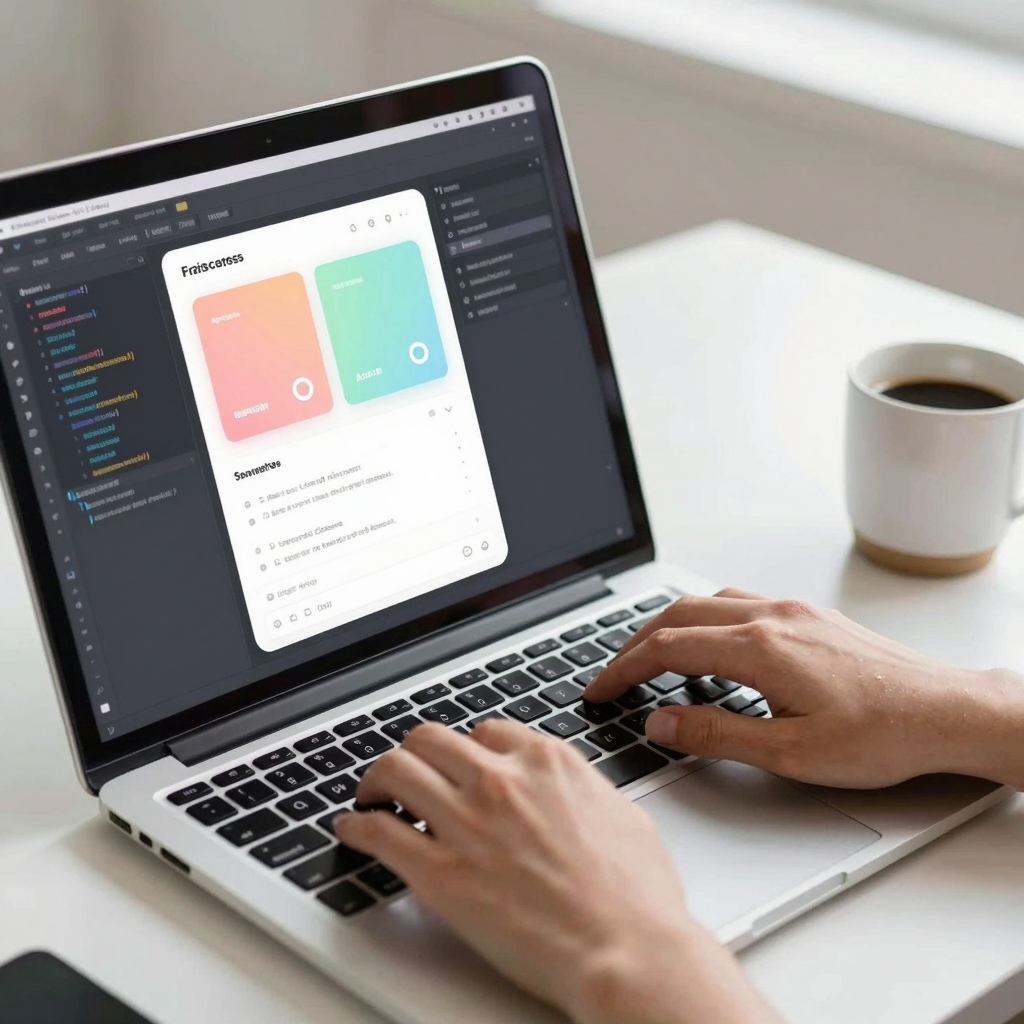
Typically, a designer exports specs or screenshots, writes some notes about spacing and color, and hands it to a developer who reconstructs the intent from scratch. Even well-documented handoffs rely on a developer correctly interpreting a static image — a snapshot, or non-interactive representation, of what the screen should eventually look like — and manually re-declaring every value in code. Studies of design-engineering workflows at small teams commonly cite 15-20% of early sprint time going to exactly this kind of re-derivation and back-and-forth clarification, time that never shows up on a roadmap because it's buried inside "build the settings screen: 3 days" instead of the 1 day it should have taken.
How Do Design Tokens Actually Prevent the Handoff Gap?
They prevent it by removing the need to re-derive values at all. A design token is a named, reusable value — color.primary, spacing.md, radius.card — that stands in for a raw pixel or hex value everywhere it's used, in the design tool and in the code. Instead of a developer eyeballing a shade of blue from a screenshot, the code imports color.primary directly, and it is, by construction, the exact same blue the designer specified. Dolfy generates this token system as part of its Design Foundation step, so by the time a screen reaches export, every spacing value, corner radius, and color reference already has a single canonical source rather than forty screen-by-screen approximations.
What Does a Production-Ready Component Export Actually Include?
A real export includes working markup, not a rendering of one. Dolfy's Screen Design and Export steps output React Native components styled with Tailwind CSS conventions, typed with TypeScript so props and data shapes are checked before the app ever runs, and wired to the same design tokens generated earlier in the process. That means a "ProductCard" component isn't a picture a developer has to reverse-engineer — it's a function that accepts a product prop with a defined shape, renders using spacing.md and radius.card, and can be dropped directly into an Expo project. You can preview the result immediately in Expo Go on a physical phone or in a Web Preview in the browser, which closes the loop between "does this look right" and "does this actually work" in minutes rather than a full build cycle.
How Should Founders Think About TypeScript Types in the Handoff Process?
Founders should think of TypeScript types as the contract that prevents an entire category of bugs before a single test is written. A type definition says, explicitly, "a UserProfile has a name (string), an avatarUrl (string or null), and a joinedAt (date) — nothing else, nothing optional unless marked optional." When a component export includes these types, a developer — or an AI coding assistant — gets immediate, compiler-level feedback the moment a screen tries to use data that doesn't match what was designed for. This is exactly why skipping the data model step (defining what your core objects actually look like) before jumping to screen design is such a costly shortcut: teams that design screens first and figure out data second commonly end up reworking 30-40% of those screens once the real data shape turns out to have, say, a nested address object instead of a flat one.

What Should a Solo Founder Look for Instead of a Figma-to-Code Plugin?
A solo founder should look for a tool where the design and the code were never separate to begin with, rather than a plugin that tries to convert one into the other after the fact. Figma-to-code plugins and hand-off tools improved a lot over the last few years, but they're still translating a picture into code after the picture already exists — which means they inherit every ambiguity baked into that picture. Tools like Sketch face the same structural limit. Dolfy's approach — and the reason it appeals to developers who don't consider themselves designers — is to skip the picture-then-translate sequence entirely: the Design Foundation (tokens), Screen Design (layout), and Export (typed components) steps all reference the same underlying token system, so there's no second artifact to keep in sync. For a team comparing Flutter or SwiftUI against React Native, the underlying handoff problem is identical regardless of framework — the fix is architectural, not framework-specific.
Frequently Asked Questions
What exactly is a design token, in plain terms?
A design token is a named value — like color.primary or spacing.lg — that stands in for a raw number or color code. Instead of typing #3B82F6 in twelve different files, every file references color.primary, so changing the brand color once updates all twelve instances automatically.
Is a wireframe the same thing as a prototype?
No. A wireframe is a rough, mostly grayscale layout sketch showing where elements go, without final colors, fonts, or interactivity. A prototype is a more finished, often clickable version that simulates how the real app will look and behave, though it's still not production code.
Do I need a developer to use Dolfy's exported components?
Not necessarily for the first pass. Because Dolfy exports typed, working React Native and Tailwind CSS code rather than static images, a technical founder can often wire up screens directly, and non-technical founders get a codebase a contractor can start from on day one instead of reverse-engineering a design file.
How long does the handoff gap typically cost a small team?
It varies by team, but a commonly cited range across small product teams is 15-20% of early build time lost to re-deriving spacing, colors, and component structure from static designs — often 2-4 extra days per screen-heavy sprint that never shows up as a line item on the roadmap.
Closing the Gap Between What You Design and What You Ship
The handoff gap isn't a discipline problem you fix with better documentation — it's a format problem you fix by never letting the design and the code diverge in the first place. Design tokens, a data model defined before screens are drawn, and a component export that includes real TypeScript-typed React Native markup all point at the same idea: the fastest path from idea to shipped app is the one with the fewest translation steps in between. That's the problem Dolfy is built to solve, end to end, from Product Definition through Export.