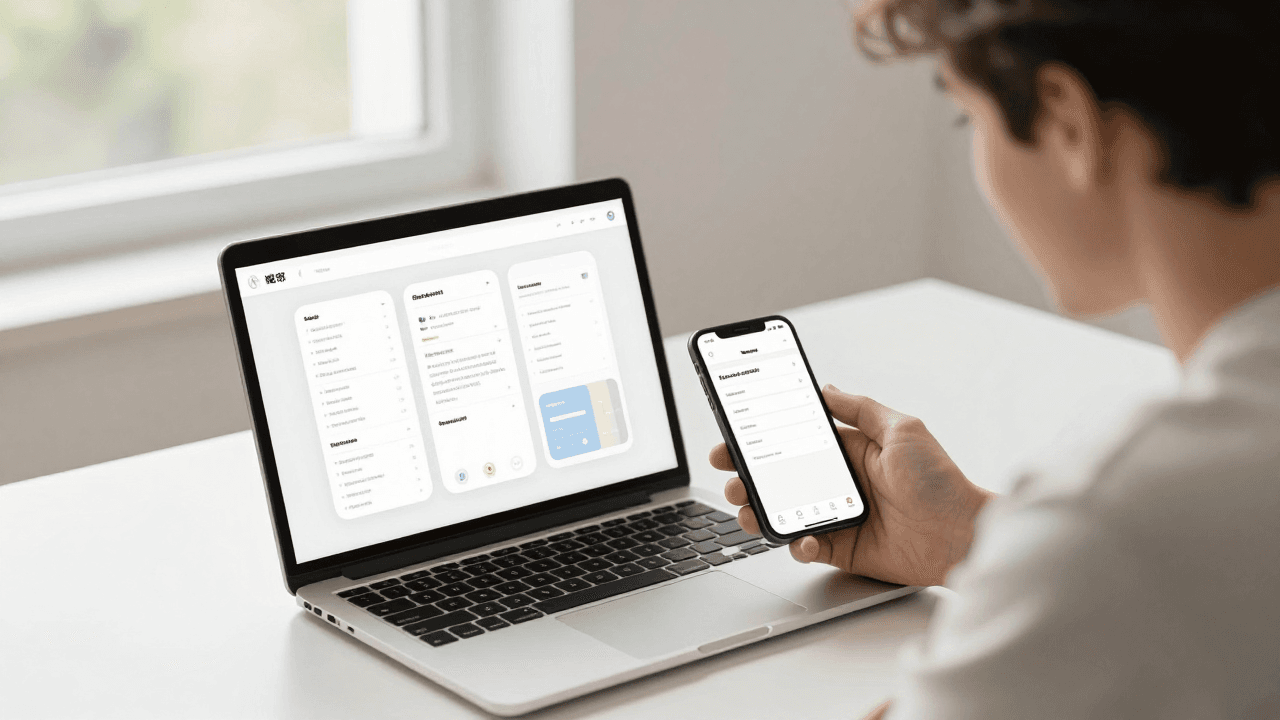
The Handoff Problem: Why the App Your Developer Ships Isn't the One You Designed
You spent three weeks in Figma. Every screen is pixel-perfect, the spacing is consistent, the color palette is locked, the button states are all there — default, pressed, disabled. You export the file, write up some notes, and hand it to your developer or your dev team. Six weeks later the build comes back and something is off. The corners are a little too round. The primary button is two shades darker than you picked. The card padding is 12px instead of the 16px you specified everywhere else. Nobody did anything wrong, exactly — and yet the app you're about to ship isn't quite the app you designed. This is the handoff problem, and it quietly costs founders more design credibility than almost any other step in building a mobile app. Dolfy.ai exists largely because this gap is so common and so avoidable.
Key Takeaways
- The design-to-code gap isn't usually a developer skill problem — it's a translation problem, and static design files are a lossy format for translating visual decisions into working code.
- A design file with named, reusable design tokens (color, spacing, type) survives handoff intact; a file with one-off hex codes and manually-typed pixel values does not.
- Redlines and annotation notes catch maybe 60-70% of implementation details on a good day; component-level specs and exported code close the rest.
- Teams that skip a real prototyping/preview step before development routinely discover the gap only after the build is already in a developer's hands, which is the most expensive place to find it.
- Dolfy's Design Foundation and Export steps generate the token system and production-ready React Native components directly, so the file a developer opens already matches what you approved.
Why does the design-to-code gap even exist?
It exists because a design file and a running app are fundamentally different formats, and someone has to manually convert one into the other. A design tool like Figma or Sketch produces a static visual artifact — pixels arranged on an artboard. A mobile app is dynamic code that has to run on real devices, handle real data, and respond to real screen sizes. Every value a designer sets — a hex color, a corner radius, a font weight, an 8px gap between two elements — has to be read off the design file by a human and re-typed into a codebase, usually by hand, usually under a deadline. Each manual re-typing step is an opportunity for drift.
This is worse than it sounds because the drift compounds. A button that's 2px off doesn't look wrong on its own screen. But multiply that across 40 screens, three platforms (iOS, Android, and often a web version), and a handful of different components, and the app slowly stops matching the file. Founders notice the drift as a vague feeling that the shipped product looks 'less polished' than the mockups, without being able to point to exactly why.
What is a design token, and why does it fix this?
A design token is a named, reusable value — like primaryColor, spacingMd, or radiusLarge — that stands in for a raw design decision like #2563EB or 16px. Instead of a developer typing a hex code from memory or a screenshot, the code references the token, and the token's actual value lives in exactly one place. When you use tokens consistently across a design, you're no longer asking a developer to transcribe hundreds of individual numbers — you're asking them to import a token file that's already correct.
This is the difference between telling someone 'make the button roughly this shade of blue' and handing them the exact hex code plus every other blue in the system, all defined once. Dolfy's Design Foundation step generates this token system automatically as part of the five-step Design OS methodology — Product Definition, Data Model, Design Foundation, Screen Design, and Export — so spacing, color, typography, and elevation values are consistent from the very first screen instead of being reverse-engineered from a finished mockup.
Do redlines and annotations actually solve handoff?
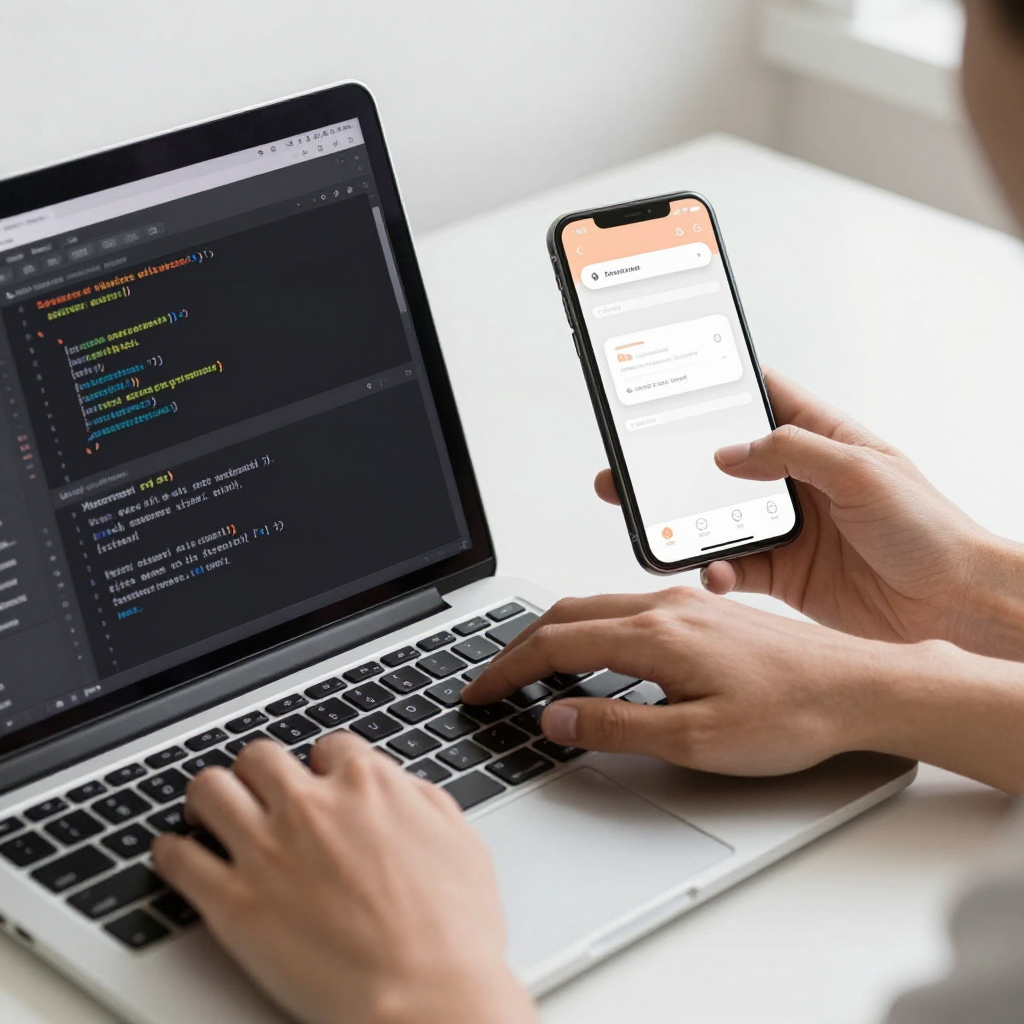
Redlines help, but they only solve part of the problem — they document intent, they don't produce working code. A redlined file with arrows showing '16px margin here, #FF6B4A here' is genuinely useful, and any founder shipping a first app should insist on it at minimum. In practice, though, annotation-based handoff tends to cover the obvious cases (spacing, primary colors) and quietly miss the secondary ones: what does this input field look like in an error state? What's the exact easing on this transition? What happens to this card's shadow at different elevations? A design file can carry dozens of these micro-decisions that never make it into a redline because nobody thought to annotate them, and a developer under time pressure will default to 'close enough' rather than asking.
The founders who avoid this usually aren't the ones writing more annotations — they're the ones who stopped handing off static files in the first place and started handing off components: real, working code with the tokens already applied, so there's nothing left to interpret.
What does a handoff without translation loss actually look like?
It looks like the developer opening a file that is already the app, not a picture of the app. Dolfy's Export step produces production-ready React Native and Tailwind CSS components with TypeScript types attached, generated straight from the same Design Foundation and Screen Design steps you already approved — so the component your developer imports has the same spacing tokens, same color values, and same states you saw on screen, because it's literally the same underlying data, not a redrawn interpretation of it. TypeScript types (a way of telling the code exactly what shape of data — text, number, list — each prop is allowed to hold) catch a whole category of integration bugs before the app even builds, which matters more than it sounds: a wrong prop type is often the difference between a screen that renders correctly on the first try and one that silently breaks on a specific device.
Before any of that code ships, Dolfy also generates an Expo Go and web preview, so you and your developer can click through the actual interactive flow on a real phone before a single line gets committed. That preview step alone catches a surprising share of handoff drift — the kind you'd otherwise only discover in a build review, days into development, when a fix costs hours instead of minutes.

How much does the handoff gap actually cost a small team?
For an indie hacker or a two-to-five person startup team, the honest number is somewhere between one and two full sprints of rework per major release — time spent going back and forth over Slack with screenshots circled in red, re-exporting assets, and re-testing screens that should have been correct the first time. On a typical MVP timeline of eight to twelve weeks, losing even one week to handoff cleanup is a real, measurable cost, and it's the kind of cost that rarely shows up on a project plan because it gets absorbed as 'polish' rather than logged as its own task. Teams using a token-and-component export workflow instead of a static-file handoff typically report that visual QA — the pass where someone compares the build against the design — drops from a multi-day process to a same-day one, simply because there's a much smaller gap left to check.
Frequently Asked Questions
Does using design tokens mean I lose creative control over the visual design?
No — tokens don't constrain what you design, they constrain how consistently it gets built. You still choose every color, spacing value, and type scale; the token system just means that once you've chosen '16px' for card padding, every card in the app uses exactly 16px instead of a developer's best guess at what you meant.
Can I use this approach if I already have an existing Figma file and a developer mid-build?
Yes, though it's more effective the earlier it's introduced. Retrofitting a token system onto an in-progress app usually means auditing the existing screens for inconsistent values first, then defining tokens that match your actual intended design, and updating components to reference them going forward rather than rewriting everything at once.
Is this only relevant for React Native apps, or does it apply to Flutter and SwiftUI too?
The underlying problem — static design files losing fidelity on the way to code — applies to any framework, including Flutter and SwiftUI. Dolfy's direct export currently targets React Native and Tailwind CSS specifically, because that's the stack most indie teams and early-stage startups are already building on, but the token-and-component discipline itself is framework-agnostic.
What's the fastest way to tell if my own project already has this problem?
Open your live build next to your latest Figma file and check three things: whether your primary button color matches exactly (not 'close'), whether spacing between elements is consistent across screens, and whether every interactive state (pressed, disabled, error) that exists in the file also exists in the app. If any of those three don't match, you're paying the handoff tax right now.
Closing the Gap Before It Opens
The handoff problem isn't a sign that your developer wasn't careful enough, and it isn't a reason to become a stricter reviewer of pixel measurements. It's a sign that the format you're handing off in — a static picture of an app — was never going to survive translation intact. The fix isn't more annotation discipline; it's removing the translation step altogether, so the file that gets approved is functionally the same artifact that gets shipped. That's what Dolfy's Design OS is built around: a Product Definition and Data Model that inform a real token-based Design Foundation, Screen Design you can preview and click through in Expo Go before any code exists, and an Export step that hands your developer production-ready components instead of a picture to interpret. If you're tired of your shipped app being a slightly worse copy of your design file, that's worth trying at Dolfy.