The Offline Problem: Why Your App Shows an Endless Spinner the Moment the Signal Drops
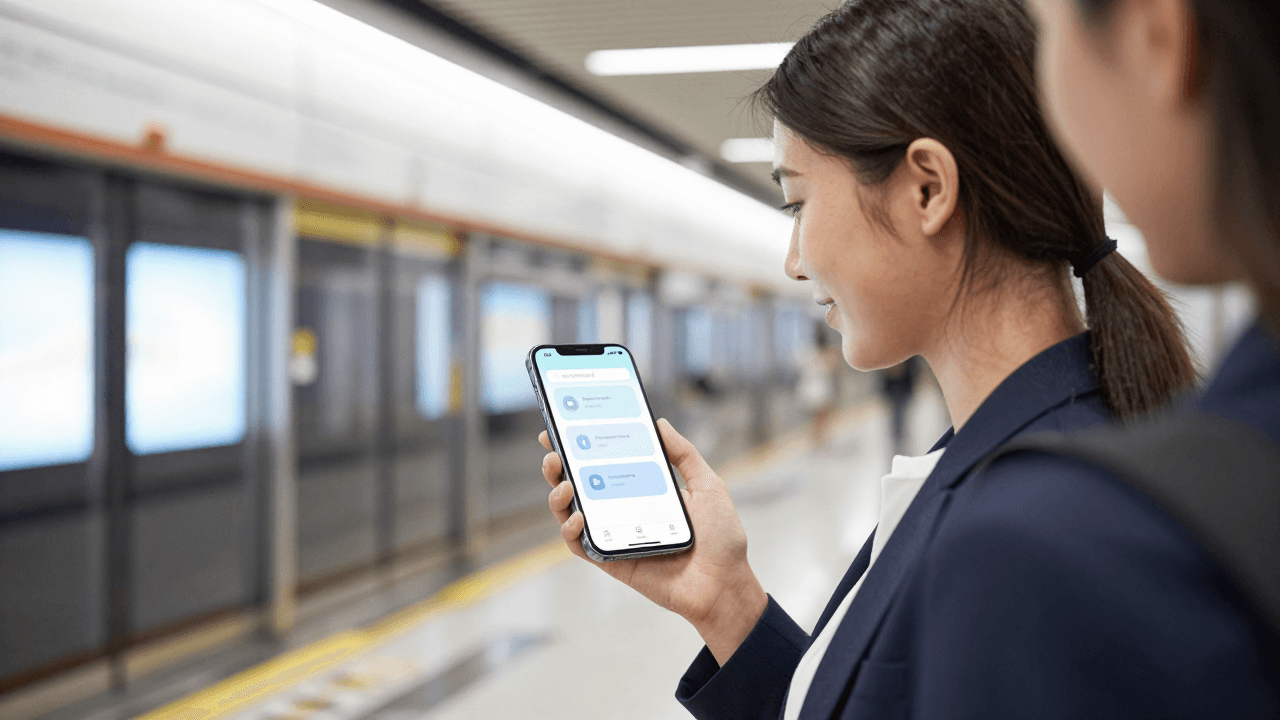
You open your app on the subway, the signal drops between stations, and your carefully designed home screen turns into a spinner that never stops. No message, no cached content, no way forward. Founders building with Dolfy.ai often polish every online screen and never design the moment the network disappears, even though that moment arrives for every user, every week.
Key Takeaways
- Connectivity is a state, not an error: design an offline mode the same way you design a loaded screen.
- Show the last known content with a clear "last updated" label instead of a blocking spinner or a blank page.
- Queue user actions locally and tell people plainly that they will sync later.
- Every screen needs four states defined up front: loading, loaded, offline, and failed.
- Test with airplane mode on day one, not after your first one-star review.
What is the offline problem in mobile app design?
The offline problem is what happens when your app assumes a working network connection on every screen and has no designed response when that assumption fails. The result is endless spinners, generic "Something went wrong" dialogs, or silently lost user input.
It is easy to underestimate. On a developer's laptop with fibre internet, the network never fails. But your users ride trains, sit in lifts, travel abroad on expensive roaming, and walk through basements. A rough rule of thumb many teams use: assume a meaningful share of sessions, often 10 to 20 percent, will hit a slow or dropped connection at some point. If you never designed for it, those sessions are the ones that end in uninstalls.
Why does a spinner that never ends feel worse than an error?
A spinner that never ends feels worse because it gives users no information and no control. An honest message such as "You're offline" lets them decide what to do next; an endless spinner makes them guess whether the app is broken, slow, or waiting for them.
Researchers who study response times have long reported that people start to lose focus after roughly 10 seconds of waiting, and a spinner with no timeout will happily run for minutes. A good rule is to give every network request a timeout of around 8 to 15 seconds and a designed fallback when it expires. The fallback should say what happened, what the user can still do, and whether the app will try again automatically.
What should an offline screen actually show?
An offline screen should show the most recent content the app has, clearly labelled with how old it is, plus a small, calm banner explaining the connection state. The first sentence of the banner should say what is true ("You're offline"), and the second what still works ("You can keep browsing saved items").
Think of three layers:
- Cached content. Keep the last successful response for each key screen so the page is never empty.
- A status indicator. A slim banner or small badge, not a full-screen takeover, so the content stays usable.
- A recovery path. A "Try again" button, and ideally automatic retry when the connection returns.
The mistake to avoid is treating offline as a failure page. Most of your app's value, such as reading, browsing, drafting, and reviewing, does not need a live connection at all.
How do you design the four states of every screen?
Design four states for every screen: loading, loaded, offline, and failed. This is the single habit that prevents most offline bugs, because it forces you to decide what the screen looks like before the code decides for you.
A data model is the structured description of the things your app stores, such as users, orders, and messages, and how they relate. When you define your data model first, you can mark which entities are safe to cache and which must always be fresh. A message list can be cached; a payment confirmation cannot.
In Dolfy's five-step Design OS methodology (Product Definition, Data Model, Design Foundation, Screen Design, Export), this thinking fits naturally into the Data Model and Screen Design steps. When you describe your entities and then lay out screens, you are already deciding what each screen needs from the network. Writing down the offline and failed variants of each screen at that point costs minutes; retrofitting them after launch costs weeks.
How should an app handle actions taken while offline?
An app should accept the action, store it locally in a queue, show it as "pending", and send it when the connection returns. Blocking the user with an error for something like liking a post, saving a note, or marking a task done feels punishing when the action could simply wait.
The pattern is often called an optimistic update: the interface behaves as if the action succeeded and quietly reconciles with the server later. A few rules keep it honest:
- Mark queued items visibly, for example with a small clock icon.
- Never claim something is "sent" until the server confirms it.
- Let users cancel a pending action.
- If a queued action ultimately fails, tell the user which one and why, and offer a retry.
In React Native, libraries such as TanStack Query and local databases like SQLite or WatermelonDB are commonly used to persist cached data and mutation queues. You do not need to pick the final technology on day one, but you do need to design the pending and synced visual states early so the components exist when you wire up storage.
How do design tokens and components make offline states consistent?
Design tokens make offline states consistent because they let you define the banner colour, the muted text style, and the pending-item icon once and reuse them everywhere. A design token is a named design value, such as a colour, spacing unit, or font size, stored in one place so the whole app updates together.
Without tokens, every screen invents its own offline banner: a yellow bar here, a red toast there, a grey label somewhere else. Users read that inconsistency as unreliability. With a small set of tokens (for example, a "status-offline" colour, a "text-muted" style, and a standard banner height of 32 to 40 pixels), one reusable banner component covers the entire app.
Dolfy's Design Foundation step produces a design-token system, and its exported React Native and Tailwind components come with TypeScript types, so a shared status component is a natural thing to build once and use on every screen. A component export simply means taking a designed screen element and receiving it as real, reusable code rather than a picture.
How can you test offline behaviour without a lab?
You can test offline behaviour in about five minutes: switch the phone to airplane mode, open every main screen, perform one action on each, then reconnect and watch what happens. Do the same with a throttled connection to catch the slow-but-not-dead case, which is often worse.
With Expo, you can run your app on a real device through Expo Go and toggle airplane mode while using it, which is a far better test than a simulator with perfect Wi-Fi. A simple checklist:
- Open the app cold with no connection. Does anything render?
- Lose connection mid-request. Does the spinner time out?
- Perform an action offline. Is it queued and visible as pending?
- Reconnect. Does the queue flush without duplicates?
- Check text and banners at a larger system font size.
Run this checklist before every release. Ten minutes of testing is cheaper than one bad review that says "does not work on the train".
Frequently Asked Questions
Does every app need full offline support?
No. Full offline editing with conflict resolution is a big engineering investment and many apps do not need it. Every app does need graceful degradation: cached content, a clear offline message, and no endless spinners.
Should I show an error or a banner when the connection drops?
Use a banner for connection state and reserve error screens for real failures. A banner keeps the content visible and usable, while a full-screen error blocks everything the user could still do.
How long should a network timeout be?
Most mobile apps use somewhere between 8 and 15 seconds for ordinary requests. Pick a value, show progress feedback in the meantime, and always design what appears when the timeout fires.
How do I handle conflicts when two devices edit offline?
Start simple with "last write wins" and a visible timestamp, and move to field-level merging only if your data genuinely needs it. Define which entities can conflict in your data model before you write sync code.
Design for the Dead Zone Before Your Users Find It
Offline is not an edge case; it is a normal Tuesday for a commuter. When you design the offline and failed variants of every screen, define a few status tokens, and test with airplane mode, your app feels dependable exactly when other apps feel broken. If you want a structured way to plan screens, data, and reusable components before you write code, take a look at Dolfy and build the unglamorous states first.