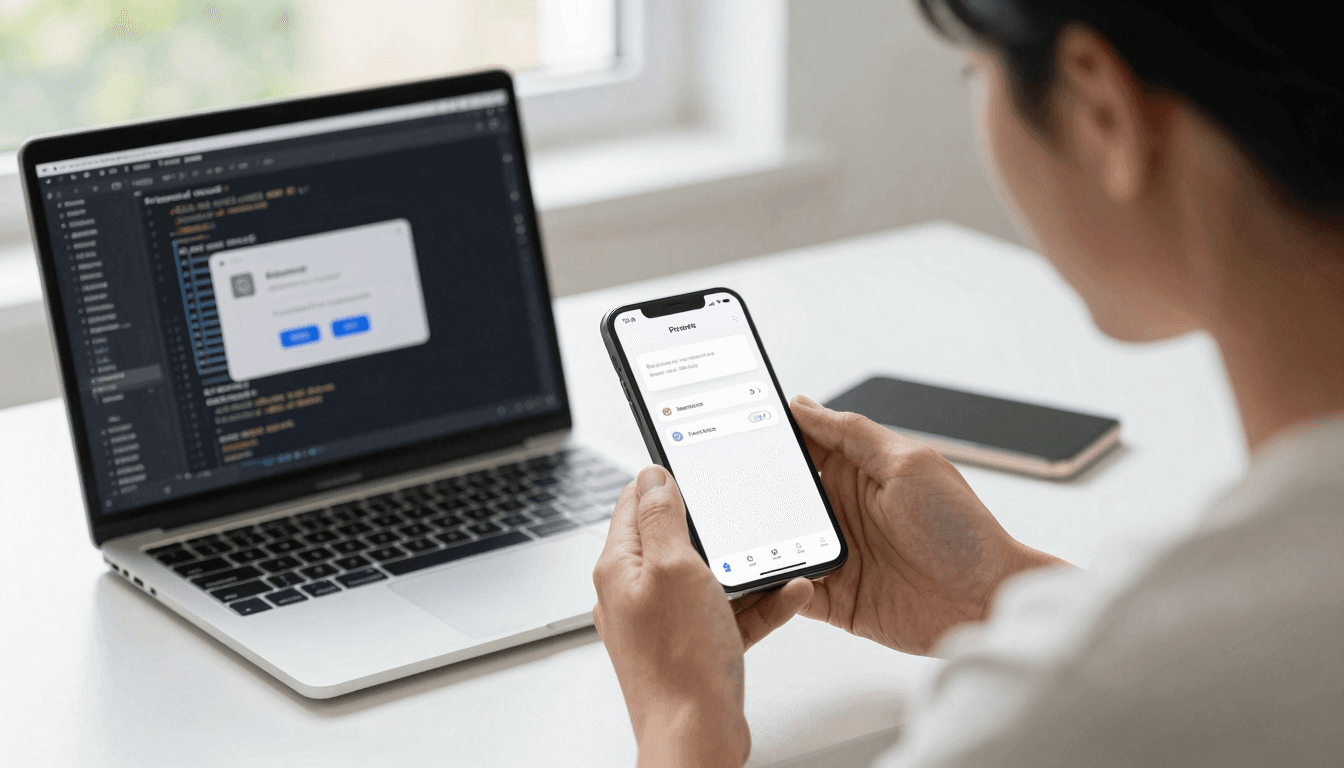
The Permission Prompt Problem: Why Asking for Push Notifications Too Early Tanks Opt-In Rates
You built a genuinely useful feature, wired it up in a weekend, and shipped it. Three days later your analytics show something depressing: almost nobody said yes to notifications. Worse, a chunk of users bounced right after the permission dialog appeared, as if the ask itself scared them off. If you're a solo founder or a small mobile team, this is one of the quieter ways an app dies — not because the feature was bad, but because of when and how you asked. Dolfy.ai, the AI-powered mobile app design platform, treats permission moments as a real design problem, not an afterthought bolted on after the "real" screens are done, and that's the angle worth digging into today.
Key Takeaways
- iOS opt-in rates for push notifications commonly land anywhere from roughly 40% to 65% depending on when and how the ask happens — the timing gap between best and worst practice can swing conversion by 20 points or more.
- A "pre-permission primer" (an in-app screen that explains the value before the system dialog fires) lets you recover from a "not now" without burning your one native prompt.
- Android has required runtime notification permission since Android 13 (API level 33), released in 2022, which means Android and iOS now behave almost identically for this decision — old "Android auto-opts-in" assumptions are outdated.
- Permission requests should be tied to a specific user action (an "aha moment"), not fired on first launch, because context is what makes the value concrete instead of abstract.
- Design tokens and a documented design system make it cheap to reuse one well-tested permission pattern across every screen that needs it, instead of re-inventing the dialog each time.
Why Do So Many Apps Get Push Permission Timing Wrong?
Most apps get this wrong because the permission request is treated as a system event instead of a screen. A "system event" mindset means the developer drops requestPermission() into the app-launch code path because that's the first convenient place to put it, without asking whether the user has any reason yet to say yes. A brand-new user who hasn't done anything in your app has zero context for why you want to interrupt them with notifications, so the honest answer for most of them is "no," and on iOS that "no" is often permanent — Apple does not let you re-trigger the native system dialog once a user denies it; the only way back is sending them to Settings, which almost nobody does.
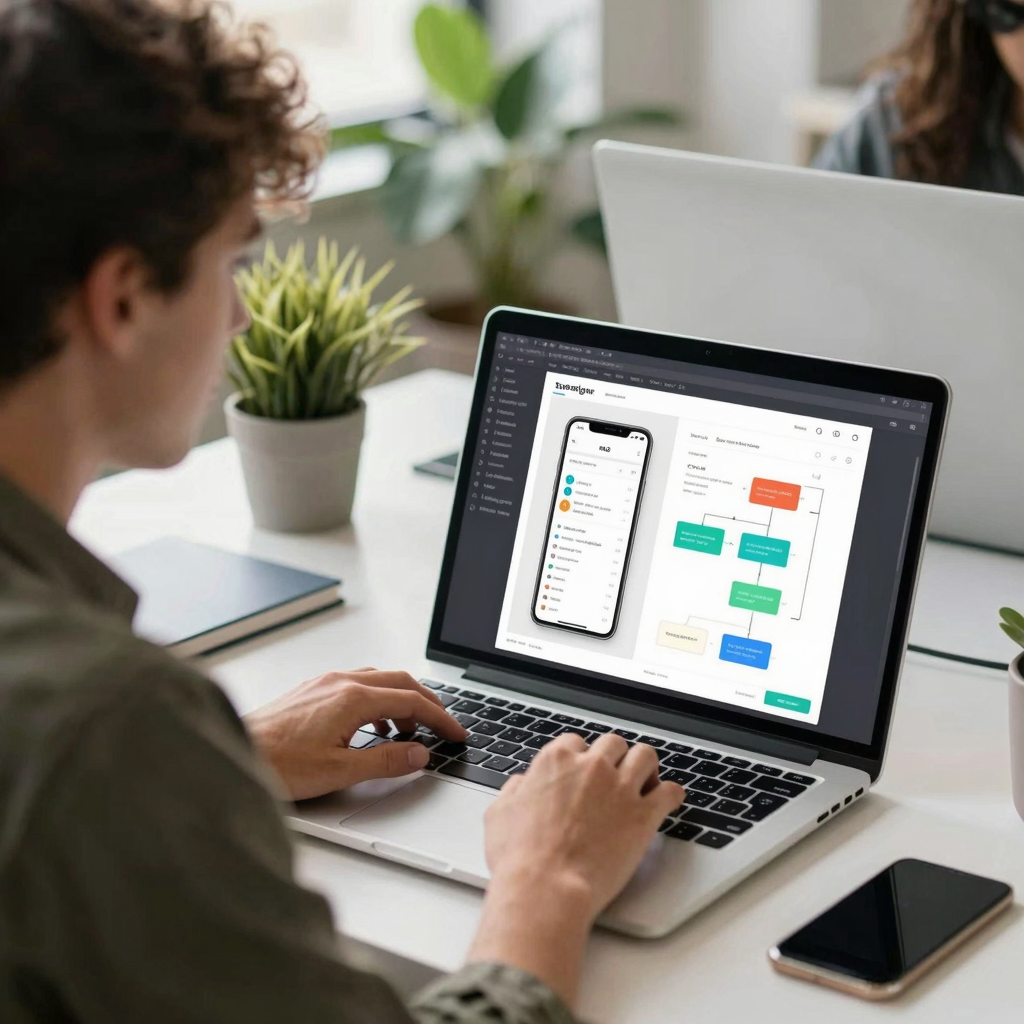
This is where an app prototyping process pays for itself. A prototype, in plain terms, is an interactive mockup you can click through before any production code exists — and if permission timing is part of that prototype, you catch the "too early" problem before it ships, not three weeks into your analytics dashboard. Dolfy's Design OS methodology treats a permission prompt exactly like a paywall or an onboarding screen: something you draft, test, and refine as a distinct step, in this case within the Screen Design stage, rather than something you leave to the default OS behavior on launch day.
What Is a Pre-Permission Primer, and Does It Actually Work?
Yes — a pre-permission primer works because it turns a binary, one-shot system decision into a two-step conversation you actually control. A primer is a custom in-app screen, built with your own UI components in React Native or Flutter, that explains the specific benefit ("get notified the instant your order ships") before the native iOS or Android dialog appears. If the user taps "not now" on your primer, nothing is burned — you can show it again later, at a better moment, because it's your screen, not Apple's or Google's system dialog. Only when a user taps "yes" on the primer do you fire the real system permission request, which means the system prompt only ever appears in front of someone who has already opted in mentally.
This two-step pattern is a well-worn one in mobile growth circles, and teams that adopt it typically see meaningfully higher opt-in numbers than teams that fire the raw system dialog on day one, because the primer absorbs the "no" cases cheaply and only spends the expensive, one-shot native ask on warmed-up users. Building the primer itself is standard component work — a modal or full screen, a headline, one or two lines of body copy, an icon, and two buttons — which is exactly the kind of production-ready component Dolfy exports with TypeScript types attached, so a founder without a design background isn't starting that screen from a blank canvas.
Where Should the First Permission Ask Actually Live in Your Screen Flow?
The first ask should live immediately after the user completes an action that the permission directly serves, not on the splash screen and not buried three menus deep in settings. If your app sends shipping updates, the ask belongs right after checkout completes. If it's a habit-tracking app, it belongs right after someone sets their first reminder time, because that's the moment the value of "we'll ping you" is concrete instead of hypothetical. This is sometimes called "contextual permission timing," and it's the difference between asking a stranger for a favor on the sidewalk versus asking a colleague for a favor mid-conversation about the thing the favor is actually for.
Mapping out exactly where in the user journey each permission ask should sit is a data-model and flow question before it's a visual one — you have to know your screens and the transitions between them before you can place an interruption correctly. This is why Dolfy's methodology puts Data Model and Product Definition ahead of Screen Design: once you've mapped your core user flows (signup, first action, first "aha moment"), placing a permission ask at the right node in that flow becomes obvious instead of a guess made under deadline pressure.

How Do Design Tokens and a Design System Keep Permission Prompts Consistent?
Design tokens keep every permission-related screen visually consistent because they store your colors, spacing, and typography as named, reusable values instead of hard-coded numbers scattered across files. A design token might be something like color.primary.600 or spacing.md, and when it's defined once and referenced everywhere, your primer screen, your paywall, and your onboarding carousel all inherit the same button style automatically — so a permission prompt never looks like a bolted-on afterthought that clashes with the rest of your app. This matters more than it sounds: users subconsciously read visual inconsistency as untrustworthiness, and a permission ask is precisely the moment you're asking for trust.
A documented design system — the shared library of components, tokens, and patterns your whole app draws from — also means you build the primer pattern exactly once and reuse it for every future permission type (location, camera, contacts, notifications) without a designer or developer re-deriving the layout from scratch each time. Dolfy generates this token system alongside your React Native and Tailwind CSS components automatically as part of the Design Foundation step, so a solo founder gets the same one-source-of-truth consistency that a five-person design team would otherwise need weeks to build manually. If you're moving between tools — say prototyping ideas in Figma or Sketch before implementation — having tokens exported as real code, not just design-file styles, is what keeps the design-to-code handoff from drifting the moment someone tweaks a hex value by hand.
Frequently Asked Questions
Does asking for notification permission earlier ever make sense?
Occasionally, yes — if the notification is core to the app's basic function and unavoidable on first use (a messaging app needing to alert on incoming messages, for instance), asking early can make sense. For most feature-level notifications, though, waiting for a relevant action produces a much stronger signal-to-noise ratio for the user.
What happens if a user denies permission on iOS — is that final?
It's final for the native system dialog specifically: iOS will not show it again automatically. The only recovery path is directing the user to your app's Settings entry within iOS Settings, typically via a deep link and a follow-up screen explaining why it's worth flipping back on.
Do Android and iOS need different permission strategies now?
Less than they used to. Since Android 13 (API level 33, 2022), Android apps must request runtime notification permission just like iOS, so the pre-permission primer pattern applies to both platforms almost identically today, whereas a few years ago Android notifications were on by default.
Can I test permission-prompt timing before writing production code?
Yes, and you should. Building the primer and the surrounding flow as a clickable prototype — viewable instantly through a tool like Expo Go or a web preview link — lets you watch real users hesitate or tap through before a single line of production Swift, Kotlin, or React Native code exists.
Getting the Small Moments Right, Not Just the Big Screens
Permission prompts, paywalls, and onboarding screens rarely get the design attention that a home screen or a product page does, yet they're often the exact moments that decide whether a user sticks around long enough to see your best work. Treating them as first-class design problems — mapped in your data model, drafted as real screens, and styled from the same token system as everything else — is a small habit that compounds across every feature you ship after this one. If you want a faster way to get from "we need a permission flow" to a tested, production-ready screen with the components already wired up, Dolfy walks you through exactly that process, end to end, as part of its five-step Design OS.