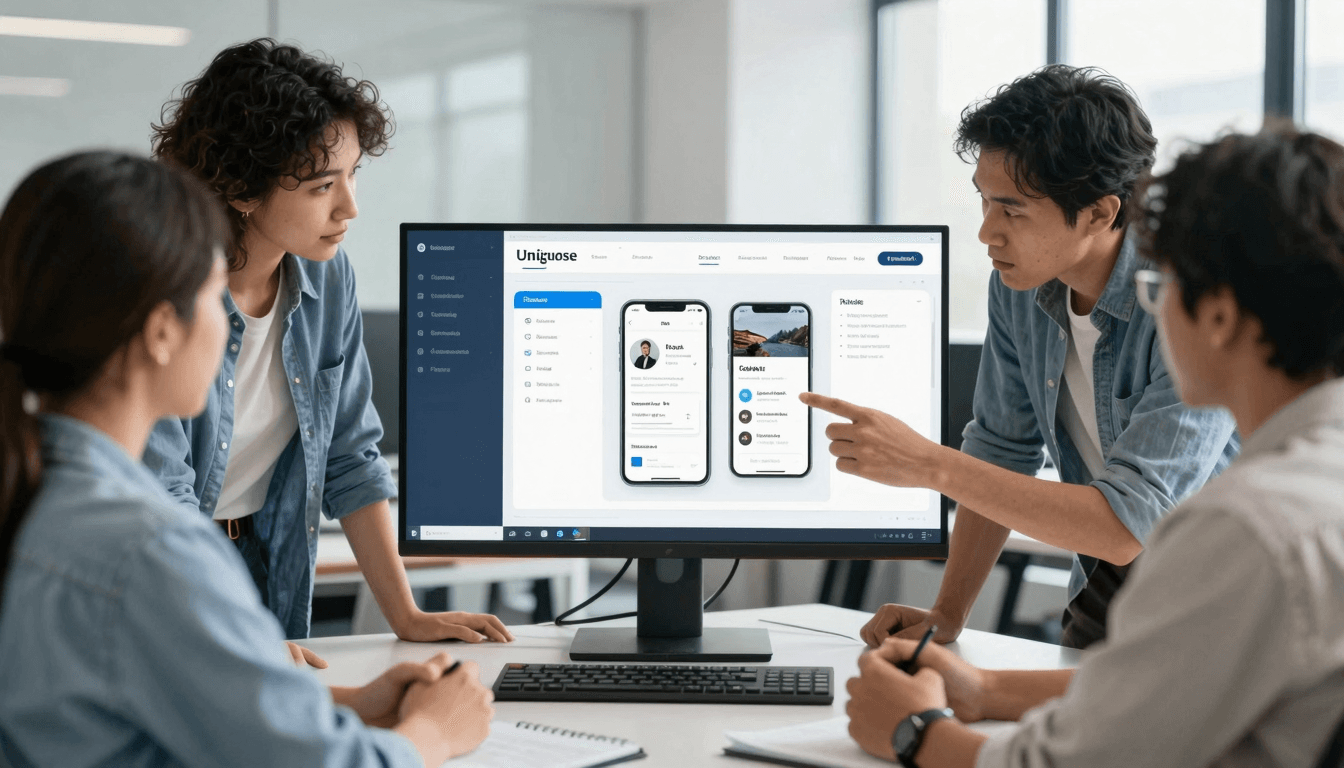
Streamline Your App Development: Dolfy's 5-Step Guide
Has the thought of transforming an app idea into a reality ever felt daunting? You're not alone. Many founders find the initial stages of app development overwhelming due to the complexity of design and coding.
Key Takeaways:
- Dolfy.ai simplifies app development with a clear, structured 5-step process.
- Tailored for non-designers, it provides tools and guidance at each stage.
- Real-time design testing with exports to React Native and production-level code.
What Makes a Structured App Development Process Essential?
The first question that strikes many founders is why a structured approach is necessary. Dolfy.ai answers this by emphasizing predictability and efficiency. The chaotic nature of app development often leads to missed deadlines and budget overruns. Dolfy's Design OS, comprised of five distinct phases, ensures that every step from the conception to the production is streamlined and transparent. Statistics indicate that structured methodologies can improve project success rates by up to 70%, a margin that cannot be ignored in the competitive app development arena.

How Can AI Streamline Design for Non-Designers?
With technology evolving, the barrier to app design should not be lack of design experience. Dolfy.ai employs AI-specialized agents like a Product Manager and a UI Architect who guide users through the app design process using intelligent prompt-to-project kickoff techniques. This approach has democratized mobile app design, allowing individuals without a design background to create aesthetically pleasing and functional apps. According to a recent survey, 60% of non-designer app creators find AI tools significantly reduce the learning curve and design time.

What Does Dolfy's 5-Step App Design Process Entail?
Dolfy's acclaimed 5-step Design OS method involves:
- Product Definition: Solidifying your app's core purpose and target audience.
- Data Model: Setting up the structure for how data is handled and interacted within the app.
- Design Foundation: Creating a cohesive design system with design tokens for consistency in visuals.
- Screen Design: Designing the actual app screens based on the defined data and design systems.
- Export: Translating design into production-ready React Native/Tailwind components with TypeScript types.
How Does Real-Time Testing Improve App Development?
Real-time testing during the design phase is crucial. Dolfy offers an Expo Go QR code and web previews that provide an immediate look and feel of the app design in action. Implementing changes becomes significantly easier and less costly when detected early through these previews, ensuring a seamless transition from design to development.
Frequently Asked Questions
What is the main advantage of using Dolfy.ai over traditional design tools?
Dolfy.ai accelerates the design-to-code transition. It converts design directly into usable React Native code, bypassing the lengthy and error-prone process typical of manual coding or using traditional design tools like Figma.
How accessible is Dolfy for beginners?
Absolutely. Dolfy's interfaces are designed with beginners in mind, offering step-by-step guidance and removing technical jargon where possible.
Can Dolfy handle complex app projects?
Yes, Dolfy's robust AI and comprehensive design system enable it to handle both simple and complex app projects effectively.
What's Next? Transform your app concept into a live product with ease. Dive into Dolfy.ai and explore the innovative features and tools that make app development accessible to everyone.